 ReactionTimeTests
Mechanical Keyboard Latency Test
Measure your gaming keyboard's real-world input lag with WASD reaction. Cherry MX Speed switches react ~15ms faster than membrane keyboards — see what yours actually does.
Press W/A/S/D when the key lights up
What is a Keyboard Latency Test?
A keyboard latency test measures the total time between a visual signal appearing and your keypress being registered by the system. Unlike a generic reaction test, this isolates four hardware-driven delays: switch actuation distance, polling rate, USB/wireless transmission, and OS input event handling. Together they form your keyboard's real-world input lag.
Most gamers care about WASD reaction specifically — these are the four keys that decide whether you peek a corner first or eat a headshot. This test uses WASD prompts (the same letters you press in CSGO, Valorant, Apex, and Fortnite) so your test conditions match your actual gameplay. Pro FPS players score 150-180ms; casual players average 250-300ms.
How Switch Type Affects Reaction Time
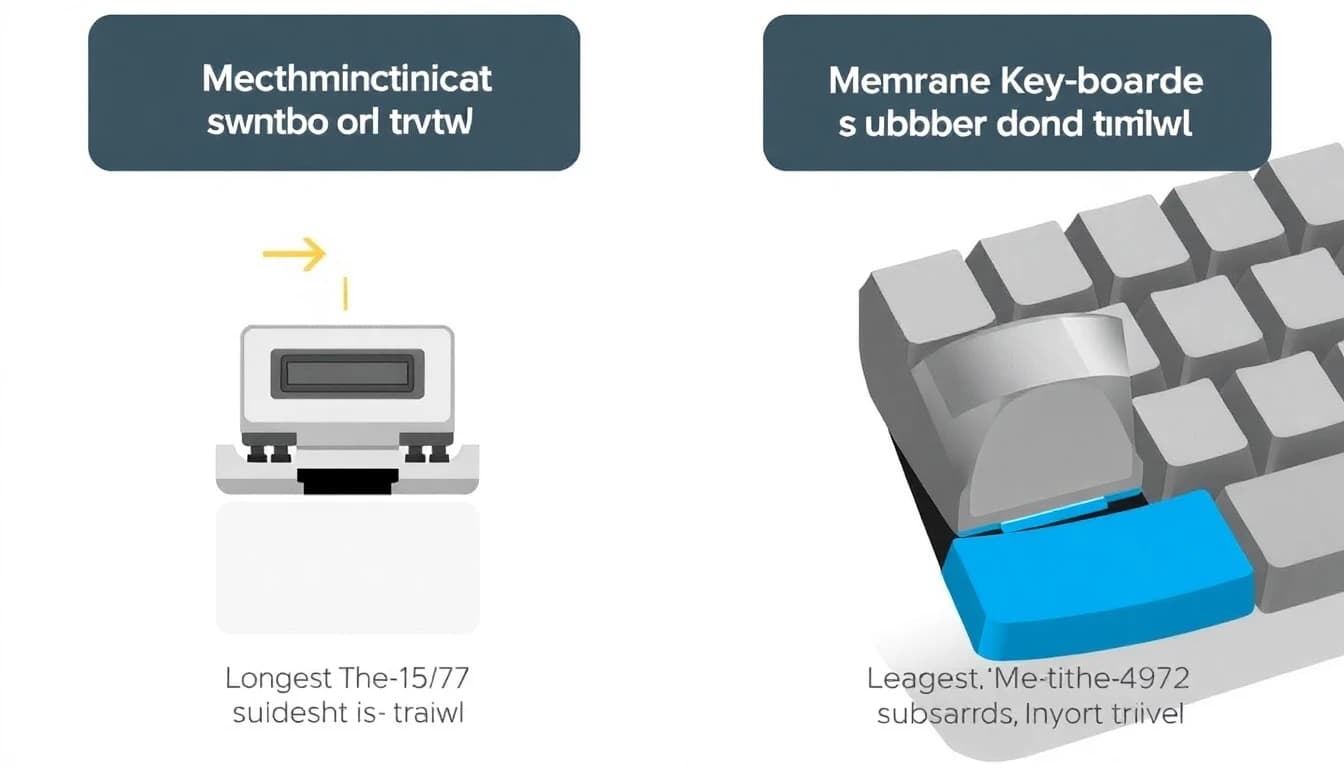
Mechanical switches register your keypress at a specific actuation point (the depth at which the switch "fires"). Cherry MX Speed switches actuate at 1.2mm — your finger barely moves before the signal sends. Cherry MX Red sit at 2.0mm. Cherry MX Brown and Blue actuate at 2.0mm but with tactile/audible feedback that adds cognitive — not mechanical — delay.
Membrane keyboards (rubber dome) actuate at ~3.5mm and require continuous pressure all the way down. The longer travel distance and squishy feedback combine to add 10-20ms compared to a fast linear mechanical switch. Optical switches (Razer, SteelSeries OmniPoint) add another 0.2-1.0ms benefit by removing the metal contact debounce delay entirely.
Performance Benchmarks
Keyboard Reaction Time by Age
Keyboard reaction time depends on both hardware and biology. Younger users (under 25) typically score 30-80ms faster than middle-aged users on the same hardware, but practiced gamers in their 30s-40s often beat unpracticed teens. Below are average WASD reaction times by age group on standard mechanical hardware.
Average WASD Reaction Time (ms) by Age Group
Data based on aggregated benchmark tests using mechanical keyboards with 1000Hz polling. Membrane keyboard users score 10-20ms slower across all groups.
Factors That Affect Keyboard Latency
Switch Actuation Distance
Cherry MX Speed (1.2mm) is 10-15ms faster than Cherry MX Red (2.0mm). Membrane keyboards (3.5mm) are 15-25ms slower than mechanical.
Polling Rate
1000Hz polling = 1ms scan interval. 500Hz adds 1ms average. 125Hz (default for cheap keyboards) adds up to 8ms — significant for competitive play.
Wired vs Wireless
Wired USB keyboards: <1ms. 2.4GHz dongle wireless: 1-3ms (acceptable). Bluetooth: 30-100ms — never use for competitive gaming.
USB Hub or Direct
Cheap USB hubs add 1-5ms. Plug your gaming keyboard directly into a motherboard USB port for best latency.
OS and Software Layer
Windows raw input mode bypasses 5-10ms of Windows message queue delay. Some games (CSGO, Valorant) use raw input by default. Check in-game settings.
N-Key Rollover
Full N-key rollover (NKRO) keyboards register simultaneous presses without ghosting. Cheap keyboards limit to 6KRO and may drop fast key combinations.
How to Reduce Your Keyboard Input Lag
Hardware fixes give the biggest single wins (30-50ms total possible). Practice and configuration tuning add another 20-40ms. Most players can reach pro-tier reaction times by combining all of these.
Use a wired mechanical keyboard with Cherry MX Speed or optical switches. The switch upgrade alone shaves 15-25ms vs membrane keyboards.
Set polling rate to 1000Hz in your keyboard software. Most gaming keyboards ship at 500Hz or 125Hz by default — check the manufacturer app.
Plug directly into a motherboard USB 3.0 port (not a hub or front-panel port). USB hubs add 1-5ms of arbitration delay.
Rest fingers on WASD keys instead of hovering. Touching the keycaps eliminates the 50-80ms finger-travel time before each press.
Enable raw input in competitive games. CSGO, Valorant, Apex, and Overwatch all support it — this bypasses Windows message queue overhead.
Disable N-key rollover "gaming mode" toggle if your keyboard has one — some implementations actually add latency in non-gaming mode.
Practice 5-10 minutes daily on this WASD test. Muscle memory for these specific 4 keys is the single biggest competitive advantage in FPS games.
Where Keyboard Latency Matters Most

Competitive FPS Gaming
In CSGO and Valorant, peek-corners are won by the player whose crouch-peek registers first. A 20ms keyboard latency advantage wins 1v1 trades at a measurable rate above Diamond rank.
Fighting Games
Street Fighter and Tekken inputs are frame-perfect at 60fps (16.7ms per frame). A 20ms keyboard latency means you might miss a one-frame combo link entirely.
Rhythm Games
Osu!, Beat Saber, and Stepmania reward sub-20ms timing precision. Mechanical keyboards with optical switches are standard equipment for high-rank players.
Music Production with Keyboard MIDI
Producers using laptop keyboard as MIDI input need consistent low-latency response. 5-10ms variation breaks rhythm tracking when recording.
The Science of Keyboard Input Lag
Total keyboard latency = switch actuation time + debounce delay + polling latency + USB transmission + OS input handling. For a Cherry MX Speed switch on a 1000Hz wired keyboard, this stacks up to ~3-5ms total. For a membrane keyboard on 125Hz polling with Bluetooth, it can reach 50-100ms. The difference compounds across every keypress in a 30-minute gaming session.
Modern measurement of these delays uses high-speed cameras (1000fps+) capturing the gap between visual stimulus and on-screen confirmation. Studies by Karhulahti (2017) and the NVIDIA Reflex measurement framework break down end-to-end input lag in measurable components — keyboard latency is one of the largest controllable pieces, alongside display refresh rate and game engine input polling.
Mechanical Keyboard Latency Test FAQ
Common questions about gaming keyboard input lag and reaction time.
Under 200ms WASD reaction is good for competitive play. Pro FPS players score 150-180ms. Casual players average 250-300ms. The gap is mostly hardware (mechanical vs membrane) plus muscle memory for those specific 4 keys.
Optical switches (Razer Optical, SteelSeries OmniPoint) are the lowest at ~0.03ms actuation delay. Cherry MX Speed (1.2mm actuation) is the fastest mechanical switch at ~1ms. Cherry MX Red sits at ~2ms. Membrane keyboards average 10-20ms slower than any mechanical option.
Yes. Cherry MX Speed switches are 10-15ms faster than Cherry MX Red because of shorter 1.2mm actuation distance. Tactile (Brown) and clicky (Blue) switches feel different but actuate at the same 2.0mm depth as Reds — they're not slower mechanically.
2.4GHz dongle wireless keyboards (Logitech Lightspeed, Razer Hyperspeed) add only 1-3ms — fine for competitive play. Bluetooth keyboards add 30-100ms and should never be used for FPS or fighting games. Always use wired or 2.4GHz dongle for testing.
1000Hz (1ms scan interval) is the gold standard for competitive gaming. 500Hz is acceptable. 125Hz (default for cheap keyboards) adds up to 8ms latency, which costs you fights at high ranks. Set polling rate via your keyboard's software app.
This WASD reaction test measures end-to-end keyboard latency including switch actuation, polling, USB transmission, and OS input handling. For lab-grade measurements, use a high-speed camera (1000fps+) or NVIDIA's Reflex Latency Analyzer if you have a compatible monitor.
Yes if you play competitive FPS, fighting, or rhythm games. A $100 mechanical keyboard with Cherry MX Speed and 1000Hz polling is 15-25ms faster than a $20 membrane keyboard. That gap matters at Diamond+ in CSGO/Valorant. For typing or casual gaming, the difference is real but not critical.
Typing has cognitive buffering — you don't notice 30ms of latency when reading what you typed afterward. Games are real-time response loops where 30ms means you lose duels. The same keyboard can feel "fine" for email and "laggy" in CSGO because the activities have different latency tolerances.
For single-key WASD tests, no — you're only pressing one key at a time. For real gaming, yes — N-key rollover (NKRO) ensures simultaneous presses register. Cheap 6KRO keyboards may drop the 7th simultaneous key, breaking complex movement combos in fighting games and FPS strafe-shooting.
NVIDIA Reflex measures end-to-end system latency including GPU render time and display refresh. This test isolates keyboard-and-input latency, removing display variables. Both are useful: Reflex shows total game latency, this test shows your keyboard's contribution to it.